· Operations · 15 min read
Restaurant Technology Stack: What a Growing Restaurant Needs
The restaurant technology stack a growing business needs: the core systems, how they should connect, what they cost, and what to set up before opening day.

A restaurant technology stack is the set of systems that runs the business: a point-of-sale (POS) system at the center, then a kitchen display, reservations or online ordering, inventory, scheduling and payroll, accounting, and guest data. The best stack for a growing restaurant is the one where every system shares data with the POS, so sales, food cost, and labor reconcile without anyone retyping numbers. How many tools you own matters far less.
Most restaurants did not build their stack that way. They bought one tool at a time, each solving one problem, and ended up with data in six places that never quite agree. Managers re-enter sales into the accounting system, count inventory on a clipboard, and export CSVs at midnight. The National Restaurant Association’s 2024 Technology Landscape Report found that 76% of operators see technology as a competitive advantage and 73% increased their technology spending in 2024. The money is being spent. The question is whether it is buying a connected system or another island.
What Is a Restaurant Technology Stack?
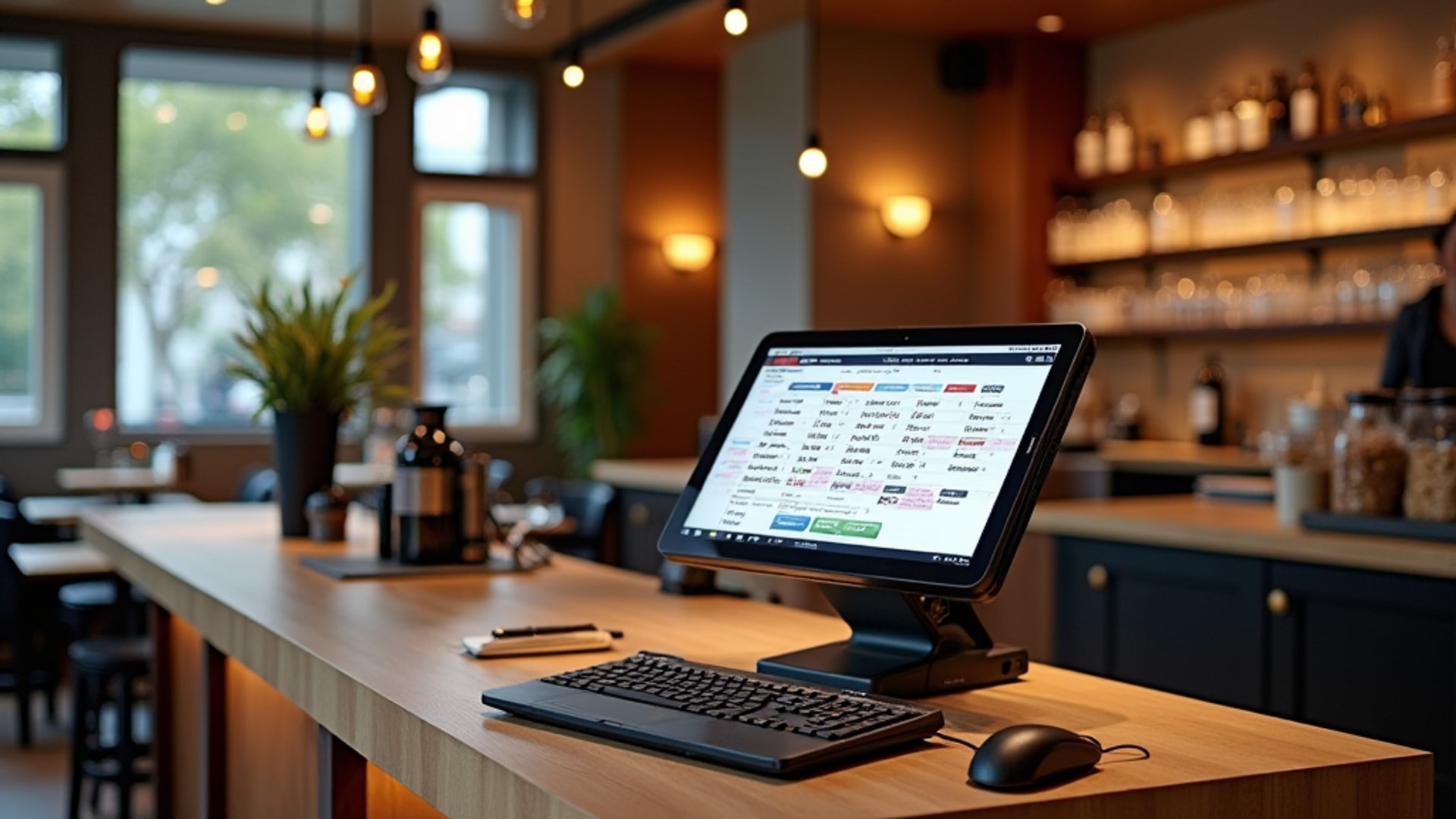
A restaurant technology stack is every piece of software and hardware the restaurant uses to take orders, run the kitchen, manage guests, buy and count food, schedule and pay staff, and keep the books, plus the integrations that move data between them. The POS is the hub because it records the most important fact in the business: what sold, when, for how much, and by whom.
| Layer | What it does | Must connect to | When you need it |
|---|---|---|---|
| POS and payments | Orders, payments, menu, sales data | Everything below | Day one |
| Kitchen display system (KDS) | Routes orders to stations, times tickets | POS, online ordering | High ticket volume or complex orders |
| Reservations and table management | Bookings, waitlist, floor plan, no-show control | POS, guest data | Table-service restaurants |
| Online ordering and delivery | Direct orders, third-party delivery feeds | POS, KDS | Any takeout or delivery volume |
| Inventory and purchasing | Counts, par levels, ordering, recipe costs | POS, accounting | Once food cost matters, which is always |
| Scheduling, time clock, payroll | Shifts, hours, labor cost, pay | POS, accounting | From the first hire |
| Accounting | P&L, payables, taxes | POS, payroll, inventory | Day one |
| Guest data, loyalty, gift cards | Visit history, rewards, marketing | POS, reservations, online ordering | Once you want repeat business on purpose |
| Website | Menu, hours, booking and ordering links | Reservations, online ordering | Before you open |
What Is the Best Restaurant Technology Stack for a Growing Business?
The best technology stack for a growing restaurant is a cloud-based POS with open integrations, connected to inventory, scheduling, and accounting systems that can handle more than one location without a rebuild. Choose for the restaurant you will be in three years, not the one you are today: multi-location reporting, centralized menu control, data you own and can export, and vendors with documented integrations.
Growth breaks stacks in predictable places. A second location exposes every manual workaround from the first, because now there are two sets of spreadsheets that need to agree. Menu changes have to go out to every POS and every delivery platform at once. Labor and food cost need to be compared across sites in the same report. If your systems can’t do that, you’ll feel it in the first month of the second restaurant.
All-in-One Platform vs. Best-of-Breed Tools
This is the main architecture decision, and Restolabs’ tech stack guide frames it well.
| All-in-one platform | Best-of-breed tools | |
|---|---|---|
| What it is | One vendor covers POS, online ordering, loyalty, basic inventory and scheduling | You pick the strongest tool for each job and connect them through APIs |
| Strengths | Guaranteed integration, one support line, simpler training | Deeper features where you need them most |
| Weaknesses | Average performance in some modules; harder to leave | More integrations to maintain; finger-pointing when data doesn’t sync |
| Good fit | A first restaurant, simple operations, small team | Complex inventory, heavy delivery volume, multi-unit plans |
For most independent operators, a strong POS platform that covers the core plus two or three specialist tools (often inventory, scheduling, and reservations) is the practical middle ground. Five best-in-class tools that don’t talk to each other create more work than three good ones that do.
The Core Systems
POS: The Hub Everything Connects To
Choose the POS first, because it decides what else can connect. Cloud-based systems are now the standard: they let you see sales off-site, push menu changes to every terminal and location, and avoid the server closet of older systems. Legacy on-premise installations used to cost $50,000 to $60,000 with five- to seven-year refresh cycles, which is a big part of why the market moved to the cloud.
Judge a POS on three things beyond features. Total cost includes hardware, monthly software, per-transaction payment fees, and add-ons; a low monthly fee with high processing rates can cost more at your volume. Integrations should be proven, so ask for the documented list and check it against the accounting, inventory, and payroll tools you plan to use. Support matters the first time the system goes down on a Saturday night, so find out whether it is 24/7, by phone, and how fast.
Match features to your service model. Full-service restaurants need coursing, tableside ordering, and split checks. Quick-service needs transaction speed and KDS routing. Delivery-heavy concepts need direct feeds from third-party platforms.
For platform-by-platform pricing and features, see our POS system comparison.
Kitchen Display System (KDS)
A KDS replaces paper tickets with screens that route each item to the right station and track how long every ticket has been open. Restaurant365 reports that KDS implementation can cut order fulfillment time by up to 40% and food waste by up to 25%. It also times multi-item orders so components finish together, which even a good expediter struggles to do on a busy Friday.
The underrated benefit is data: prep times by dish, station, daypart, and cook. That shows you which station bottlenecks at 7:30 pm and which dish always runs long. Buy kitchen-grade screens built for heat and grease, and start with the busiest station before rolling out to the rest. For a simple menu with low ticket complexity, printed tickets can still be enough.
Reservations and Table Management
A reservation system plugs a revenue leak most owners underestimate: calls nobody answers during service and guests who can’t book after closing. Automated confirmations sent a day or two ahead also cut no-shows, which alone can cover the monthly fee.
The pricing models differ more than the features. OpenTable, the largest network at around 60,000 restaurants, charges a monthly plan plus a fee for each guest booked through its consumer network. Resy and Yelp Guest Manager charge a flat monthly fee with no per-cover charge. The per-cover model buys discovery; the flat model is cheaper at high volume. Run your own expected covers through both before deciding.
The market is consolidating quickly. DoorDash bought SevenRooms in 2025, and in February 2026 American Express announced it would fold Tock into Resy (Fast Company). If you list on more than one platform, make sure they all feed one table-management view, or you will double-book.
Online Ordering and Delivery
Third-party delivery platforms charge commissions of roughly 15% to 30% per order. They are useful for discovery and incremental volume, but the margin on a direct order is far better: BentoBox reports that restaurants keep 20% to 30% more revenue per order through their own online ordering. Most operators run both, using the marketplaces to find guests and direct ordering to keep them.
The non-negotiable is integration. Orders from DoorDash, Uber Eats, and your own site should land on the POS and KDS like any other ticket. Hand-keying tablet orders into the POS is slow and error-prone, and it turns every rush into a mistake factory. Keep menus, prices, and hours identical across every channel. Online catering stores are worth adding to the same stack; BentoBox puts catering margins at 7% to 8% against 3% to 5% for full-service dining. Compare the platforms in our delivery platform comparison and online ordering systems guides.
Inventory and Purchasing
Inventory software earns its keep through one integration: when it connects to the POS, every sale deducts ingredients automatically, which gives you theoretical food cost without hand calculations. Compare that to your counts and you have the variance number that tells you whether food is being wasted, over-portioned, or stolen. Barmetrix puts the savings from real-time waste and variance tracking at 2% to 5% of costs.
A good system also generates orders from par levels and current counts, flags low stock, and holds recipe costs that update when supplier prices change. Without the POS connection, you are back to counting by hand and reconciling spreadsheets, which most operators do badly or not at all.
Scheduling, Time Clock, and Payroll
Labor usually runs 25% to 35% of sales, making it the largest cost you control week to week. Scheduling tools such as 7shifts, Homebase, and When I Work build schedules from forecast demand, handle availability and shift swaps, and compare scheduled to actual hours. Connected to the POS, they show sales per labor hour in real time so a manager can cut a server on a slow Tuesday before the hour is paid. Connected to payroll, they stop the weekly re-entry of hours. More options are in our guide to labor scheduling tools.
Accounting
POS-to-accounting integration is the next decision after the POS itself. When the two talk, every sale posts with the right category, tax, and payment method, and the P&L is ready days sooner. Common choices are QuickBooks Online, which most bookkeepers know; Restaurant365, which combines restaurant accounting with inventory and scheduling; and Sage Intacct for multi-entity groups. Toast’s accounting guidance recommends accrual accounting over cash basis, so costs land in the period they belong to. Our restaurant accounting software comparison goes deeper.
Guest Data, Loyalty, and Gift Cards
A loyalty program’s real value is first-party data you own: who visits, how often, and what they order. That data powers targeted offers and lets you measure whether marketing actually brings people back. Gift cards add high-margin revenue; BentoBox found that 44% of gift card buyers spend more than the card’s value. Both work properly only when they run through the POS, so the guest record is complete instead of split across systems. See our guide to loyalty programs.
Your Website
Lightspeed’s research shows 77% of diners visit a restaurant’s website before they go. It needs the current menu, hours, location, and working links to book and order, and it needs to load fast on a phone. It now has a second audience as well: Restaurant Business Online reported AI agents browsing and buying on behalf of consumers, so accurate, crawlable information now matters to the software that recommends restaurants as well as to people.
How Should Restaurant Systems Connect?
Restaurant systems should connect so that each piece of data is entered once and flows everywhere it is needed. A booking creates the table, the table opens the check, the check routes to the kitchen, the sale deducts inventory, and sales and hours post to accounting overnight. If a manager types the same number into two systems, that connection is missing.
| From | To | What moves | What breaks without it |
|---|---|---|---|
| Reservations | POS | Guest name, party size, notes | Hosts and servers work blind; guest history is lost |
| POS | KDS | Items, modifiers, course timing | Paper tickets, lost modifiers, slow tickets |
| Online ordering and delivery | POS and KDS | Orders, payments, prep times | Tablet chaos and re-keyed orders |
| POS | Inventory | Item sales by recipe | No theoretical food cost, no variance |
| Time clock | Payroll and POS | Hours, roles, tips | Re-entered hours, payroll errors, no live labor % |
| POS, payroll, inventory | Accounting | Sales, labor, cost of goods | Late P&L, manual reconciliation |
| POS | Loyalty and CRM | Visits, spend, items | Marketing without data |
Put together, the end of the night looks like this: sales post to accounting, labor is compared against revenue, inventory is decremented, and tomorrow’s prep list comes from reservations and history. That is the payoff of an integrated stack.
What to Set Up Before Opening Day
The technology decisions you make before opening are the ones you live with for years. Configure and test systems during pre-opening, not in the last few days, and in this order:
- Choose the POS and payment processing. Everything else is chosen for compatibility with it.
- Connect accounting. Set up the chart of accounts and the POS integration so the first day’s sales post correctly.
- Build the menu in the POS. Items, modifiers, prices, taxes, printer and KDS routing, and staff permissions. A menu with many modifiers takes longer to build than most owners expect.
- Set up online ordering and delivery. Menus, prices, and hours must match the in-house menu exactly, with orders flowing into the POS.
- Load inventory and recipe costs. Ingredient list, units, suppliers, par levels, and recipe cards, so food cost tracking starts with the first delivery.
- Set up scheduling, time clock, and payroll. Roles, pay rates, tip rules, and the payroll integration, before the first training shift is clocked.
- Launch reservations and the website. Floor plan, table sizes, booking rules, and confirmation messages, with links from your website and Google profile.
| System | Pre-opening task | Test during soft opening |
|---|---|---|
| POS | Menu, modifiers, taxes, permissions, payments | Split checks, voids, comps, refunds, end-of-day close |
| KDS or printers | Station routing, ticket timing | Coursing on large parties; modifier display |
| Online ordering | Menu sync, hours, prep times | Orders arrive on KDS without re-keying |
| Inventory | Items, units, pars, recipe costs | First weekly count; theoretical vs. actual report |
| Payroll | Roles, rates, tip rules | Clock-ins, breaks, tip distribution |
| Accounting | Chart of accounts, POS sync | First day’s sales post to the right accounts |
| Reservations | Floor plan, rules, reminders | Bookings, walk-ins, and waitlist in one view |
Train staff on the POS before the soft opening, not during it. Servers learning the system in the first week of real service make for slow tickets and frustrated guests. The goal is a POS so familiar that staff think about hospitality, not about how to split a check.
Treat the soft opening as your integration test. Every connection needs to be checked under real conditions: POS to kitchen, online orders to POS, sales to accounting, hours to payroll. A failure during the soft opening is a lesson. The same failure during the grand opening is a review.
What Does a Restaurant Technology Stack Cost?
A single-location restaurant should expect to pay a few hundred dollars a month or more in software, plus hardware and payment processing. Lightspeed’s benchmarks put technology hardware at about $1,000 upfront and software licenses at around $400 a month for a new restaurant. A fuller stack with reservations, inventory, scheduling, and loyalty costs more, and the variable fees often matter more than the subscriptions.
| Component | Typical pricing model | What drives your cost |
|---|---|---|
| POS software and hardware | Monthly subscription plus terminals and tablets | Number of terminals, locations, add-on modules |
| Payment processing | Percentage plus a fixed fee per transaction, typically 2% to 4% | Card mix, average ticket, negotiated rates |
| KDS | Often bundled with the POS, or per screen | Number of stations |
| Reservations | Flat monthly fee, or monthly plan plus per-cover fees | Covers booked through the platform’s network |
| Third-party delivery | Commission of roughly 15% to 30% per order | Delivery volume and the plan tier you choose |
| Direct online ordering | Monthly fee or small per-order fee | Order volume |
| Inventory and recipe costing | Monthly subscription, often per location | Menu size and number of suppliers |
| Scheduling and payroll | Per location or per employee per month | Headcount |
| Accounting | Monthly subscription | Entities, users, and integrations |
Table management systems alone range from about $50 to $500 a month depending on platform and restaurant size, according to Eat App. Check every vendor’s current price list before signing, and ask about contract length and cancellation terms, since several reservation and POS vendors use annual contracts. Payment processing is often the biggest technology cost of all; see our guide to credit card processing.
Emerging Technology Worth Watching
| Technology | What it does | Who should look at it now |
|---|---|---|
| AI forecasting and analytics | Predicts covers and sales from history, weather, and events to set prep, orders, and schedules | Restaurants with a year or more of clean POS data |
| IoT temperature sensors | Log fridge and freezer temperatures automatically and alert staff when units drift | Anyone tired of paper HACCP logs; a single prevented failure pays for years of sensors |
| Voice AI ordering | Takes phone and drive-through orders | High phone or drive-through volume in quick-service |
| Predictive maintenance | Flags equipment that is starting to fail | Kitchens where one broken unit stops service |
Barmetrix reports that restaurants using analytics platforms see 15% lower food costs and 22% better forecast accuracy. Treat vendor-reported gains as a ceiling, not a promise, and ask for references from restaurants like yours. The restaurant automation guide covers what works and what to skip.
What the Consolidation Wave Means for You
The vendors you choose today may belong to someone else next year. In 2025 alone, Restaurant Business Online tracked DoorDash buying Deliveroo, SevenRooms, and Symbiosys, Wonder buying Grubhub, and Olo going private in a $2 billion deal with Thoma Bravo. Delivery companies now compete in reservations, POS, and advertising.
Two practical conclusions. First, prefer vendors with open APIs and documented integrations, so an acquisition or a strategy change doesn’t strand your data. Second, make sure your contracts let you export your guest, sales, and menu data in a usable format. The data is the asset; the software is replaceable.
Common Stack-Building Mistakes
- Building in the wrong order. Loyalty before the POS can track guests, or analytics before inventory feeds clean data, produces disappointing results. Build from the POS up.
- Choosing on monthly price alone. The cheapest POS without kitchen display or accounting integration costs more in staff time than it saves in fees.
- Ignoring adoption. Every tool needs training, and role-specific training sticks better than one session for everyone. A system staff work around is money wasted.
- Treating technology as a one-time purchase. Systems need updates, settings need adjusting, and new staff need training. Budget time for it.
- Not measuring results. Every tool should have a target: lower food cost, faster tickets, fewer no-shows, higher average check. If you aren’t measuring, you can’t tell an investment from a subscription you forgot to cancel.
Start with the POS, connect accounting, add layers in order of impact, and test every connection before guests depend on it. A connected stack that staff actually use beats an impressive one that nobody trusts.