· Kitchen · 9 min read
Kitchen Staff Scheduling: Build a System That Reduces Turnover and Controls Labor Costs
How to schedule kitchen staff using POS data, build cross-training flexibility into your team, publish schedules weeks in advance, and reduce the turnover that unpredictable scheduling drives.

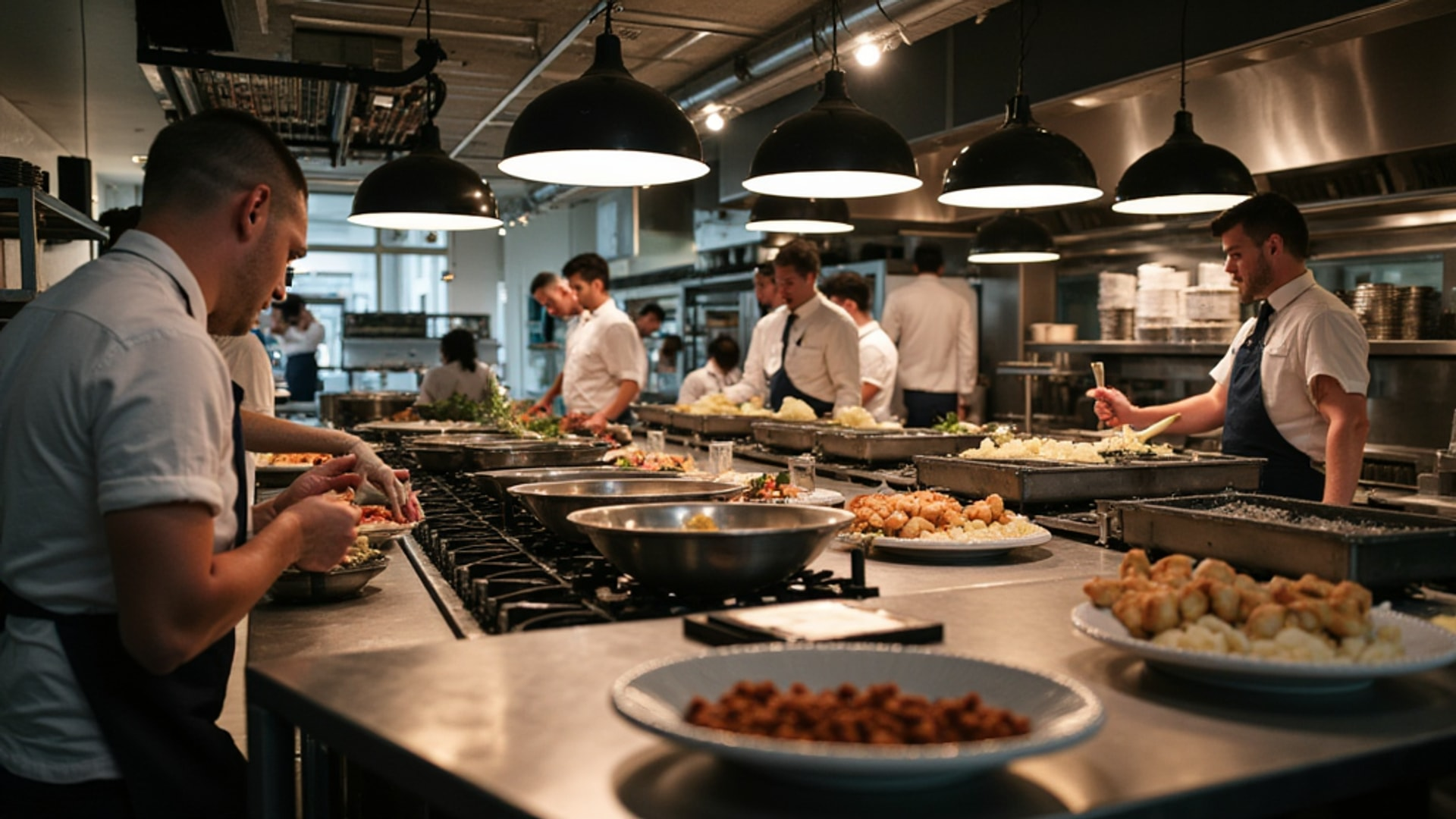
Kitchen staff scheduling is where labor costs are made or broken — and where staff turnover is either prevented or accelerated. A kitchen that runs on last-minute schedules, poor shift coverage, and guesswork about which nights will be busy creates a grinding cycle: burned-out cooks leave, training costs spike, consistency drops, and the next group of hires faces the same dysfunction.
The fix is not complicated, but it requires treating scheduling as a management system rather than a weekly fire drill.
Start With the Data, Not the Roster
The first principle of professional kitchen scheduling: your sales data should drive staffing decisions, not intuition, seniority, or whoever called in first. The 7shifts restaurant scheduling best practices guide recommends analyzing POS sales reports by day of week, time of day, and seasonal patterns reveals when the kitchen is busiest and when it can operate with a smaller crew.
Every kitchen has patterns. Friday and Saturday nights are predictably the highest volume for most full-service restaurants. Monday and Tuesday are often the slowest. Brunch pushes unusual staffing because of the different prep requirements. A holiday weekend during summer requires a different model than the same weekend in February.
Pull your POS data and map out:
- Day-of-week volume: Average covers by day, going back at least 12 weeks
- Hour-by-hour pattern: When does your rush actually start and end? When does it taper? Most operators underestimate how long covers run after the peak reservation window.
- Seasonal index: If you have a full year of data, identify which weeks run 20 percent above baseline and which run below. This is your seasonal staffing guide.
Build your labor model around actual demand curves. Overstaffing a slow Tuesday is as much a business problem as understaffing a Saturday. Each extra cook on a slow night represents $15 to $25 per hour in labor cost you cannot recover.
Publish Schedules Three to Four Weeks in Advance
The 7shifts guide emphasizes publishing schedules 3 to 4 weeks in advance, which allows kitchen staff to manage childcare, second jobs, and personal commitments. Last-minute schedule changes are one of the top drivers of kitchen staff turnover in the restaurant industry.
This sounds simple. It requires discipline to execute. The obstacle is usually that operators wait to see how bookings are trending before committing to a schedule, then scramble to staff at the last minute. That approach saves nothing — you staff the same number of people either way — but it costs you predictability, which is the thing your staff value most after the paycheck.
Practical implementation:
- Rolling 4-week schedule: Always have the next four weeks posted, even if the outer weeks are provisional. Staff can plan around a posted schedule even if it might change.
- Change policy: Establish a cutoff — changes to the schedule less than 72 hours out (except genuine emergencies) require manager approval and a documented reason. This creates accountability for both management and staff.
- Availability collection: Collect availability windows from staff on a recurring basis, not just at hire. Staff lives change. A cook who was fully flexible at hire may have a class on Thursday nights three months later. The schedule built on stale availability data produces conflicts that generate last-minute crises.
Digital scheduling platforms (7shifts, Restaurant365, and similar tools) automate much of this by tracking availability, sending notifications, handling shift swap requests, and integrating with payroll. The investment is typically $3 to $5 per employee per month, which is recouped quickly in manager time saved.
→ Read more: Scheduling and Labor Cost Optimization: A Data-Driven Approach
Build Your Team Around Cross-Training
Cross-training is the single most powerful scheduling tool available to a kitchen manager. As the 7shifts guide explains, when cooks can competently work multiple stations, the manager gains flexibility to cover absences, adjust for volume fluctuations, and build balanced teams without needing a specialist for every position.
A kitchen where every cook works only one station is a kitchen that collapses when anyone calls out. A kitchen where each cook can competently cover at least two stations, and the senior cooks can run three, is a kitchen that can absorb the constant disruption of restaurant staffing reality.
Cross-training implementation:
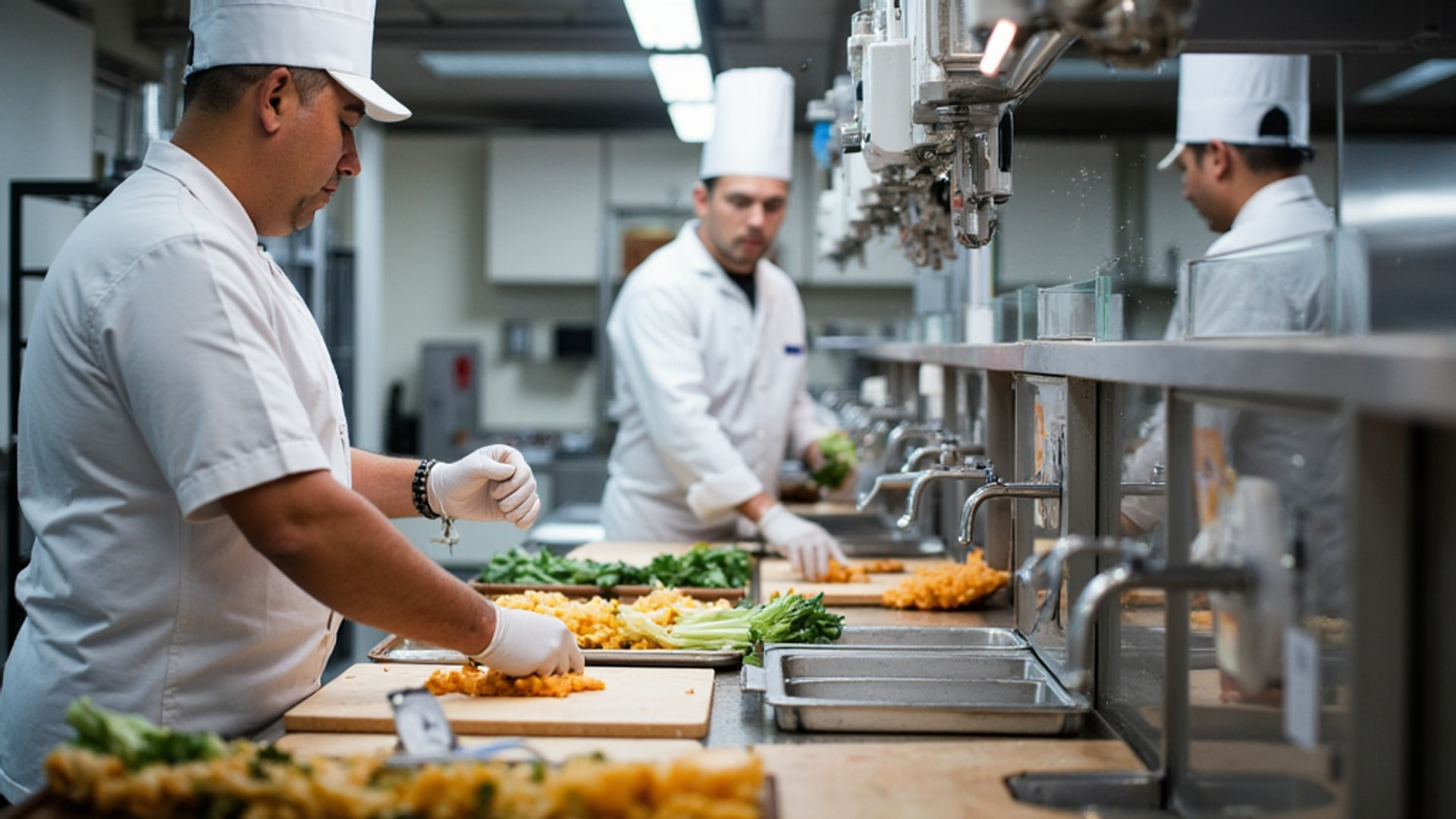
Map your station dependencies: Identify which station combinations make sense to cross-train. The grill and saute stations are natural pairs in many kitchens. Prep and pantry (cold station) often pair well. The dishwasher and prep cook are essential cross-train targets for small operations.
Structured rotation: Rather than pulling a cook out of a station during service (which is disruptive), schedule cross-training during prep shifts in the first two weeks of a new cook’s rotation on a secondary station. They shadow the primary operator, then take over with supervision, then operate independently.
Track competency: Keep a simple matrix showing which cooks are certified on which stations. Post it where the chef and sous chef can see it when building the daily schedule. Without this documentation, cross-training benefits get lost when key managers change.
Incentivize breadth: Some operations offer a modest wage increase (50 cents to $1 per hour) when a cook achieves certification on a second and third station. This creates buy-in and acknowledges the additional value the cook provides.
Scheduling for Different Shifts
Kitchen scheduling is not a single shift — it is a series of overlapping roles that must be coordinated.
Prep shifts (typically 7 AM to 3 PM or 9 AM to 5 PM): Staffed based on prep volume, which correlates to evening service volume. Tuesday prep is lighter than Friday prep. The CHEF’STORE batch cooking guide recommends using slow periods strategically by deploying prep staff for high-yield batch projects — building stocks, prepping proteins, making compound butters — rather than cutting them early when the ticket window is slow.
Line cooks (typically 3 PM to close or 4 PM to close): This is your high-cost, high-value shift. Staff to your projected cover count using your day-of-week data. For a typical 100-cover service, a full-service kitchen might require 4 to 6 line cooks plus a sous chef. Lean down to 3 to 4 on a projected 60-cover night.
Overlap period (typically 2 PM to 4 PM): The handoff between prep and service shifts is where information about what was completed, what still needs to happen, and what the inventory situation looks like gets passed. Schedule an overlap of at least one to two hours to allow this transfer. A prep cook who leaves when the line cook arrives without a proper handoff creates service failures.
Dishwasher/warewasher: This position needs to be scheduled on — or ideally slightly before — every service period. A dish pit that falls behind during service creates a cascading problem: cooks cannot get clean pans, plates cannot reach the pass, ticket times extend. Scheduling the dishwasher 30 minutes before service begins ensures the station is organized and ready.
Managing Labor Cost Targets
According to industry benchmarks cited by the National Restaurant Association, kitchen labor cost as a percentage of food revenue typically targets 28 to 35 percent for the back of house, varying by concept type. Quick-service operations run lower (15 to 20 percent) through reduced skilled labor requirements. Fine dining runs higher (35 to 40 percent) because of the skill level and preparation time required per plate.
Scheduling is where you control the actual versus target. The levers:
Hours scheduled vs. hours required: Every hour scheduled above what cover volume requires is a direct labor cost increase. Use your POS data to calculate covers per labor hour (a measure of kitchen productivity) and use that metric to evaluate whether your schedule matches your volume.
Overtime management: Overtime (time above 40 hours per week in the US, with some states at 8 hours per day) costs 50 percent more per hour than regular time, as mandated by the Fair Labor Standards Act. Track cumulative weekly hours and adjust schedules before overtime occurs rather than correcting it after the payroll is run.
Call-out culture: Every unplanned absence either goes uncovered (hurting service quality and burning the remaining crew) or gets covered by a called-in employee who may be billing overtime. Either outcome is expensive. Reliable scheduling that gives staff predictability and advance notice directly reduces call-out rates — staff who can plan their lives around their work schedule call out less.
Daily Scheduling Communication
Beyond the weekly schedule, kitchens need daily coordination tools. The 7shifts guide recommends regular pre-shift meetings to keep the team aligned on specials, 86’d items, expected volume, and any operational changes.
The pre-shift meeting before service should run 5 to 10 minutes and cover:
- Tonight’s reservation count and any large parties
- Any modifications to the menu (86’d items, specials, daily features)
- Any equipment issues affecting service
- Quality focuses for the shift — a particular dish that needs attention, a new spec to follow
- Any staffing gaps and how they are being covered
Brief, structured, and consistent. The pre-shift meeting is also the moment where a manager can recognize good performance from the previous service — 30 seconds of acknowledgment in front of the team costs nothing and builds culture.
Documentation: The Foundation of a Scalable System
The 7shifts guide recommends that each station have a written guide covering setup procedures, recipes with photos, closing checklists, and cleaning responsibilities. These guides serve as both training tools for new hires and reference materials for experienced staff.
Well-documented stations make scheduling dramatically easier: you can place a cross-trained cook on a station with confidence because the station guide provides the reference they need. Undocumented stations are tribal knowledge — and tribal knowledge walks out the door with the cook who quits.
The investment in documentation pays for itself the first time you put a cross-trained cook on a station during a call-out and service does not degrade. That moment alone justifies the effort of writing the guide.
When the System Works
A kitchen with a scheduling system built on data, advance publication, cross-training, and documented stations behaves differently under pressure. A Saturday call-out is a manageable problem rather than a crisis. A volume spike from a private event in the dining room is absorbed rather than overwhelming. New hires get up to speed faster because they are trained against documented standards rather than whoever happens to be working that day.
The operational improvements are real, but the culture impact is equally significant. Staff who know their schedule three weeks out, who know they can request time off with reasonable advance notice, and who work in a kitchen with clear systems and standards stay longer. Retention reduces training costs, builds institutional knowledge, and produces the consistency that builds a restaurant’s reputation.
Schedule with data. Publish early. Cross-train deliberately. Document everything. These four habits separate well-run kitchens from good-idea kitchens that never quite execute.
→ Read more: Controlling Restaurant Labor Costs Without Cutting Staff
→ Read more: Reducing Staff Turnover in Restaurants: A Data-Driven Playbook