· Operations · 13 min read
POS Systems for Restaurants: How to Choose the Right Platform in 2026
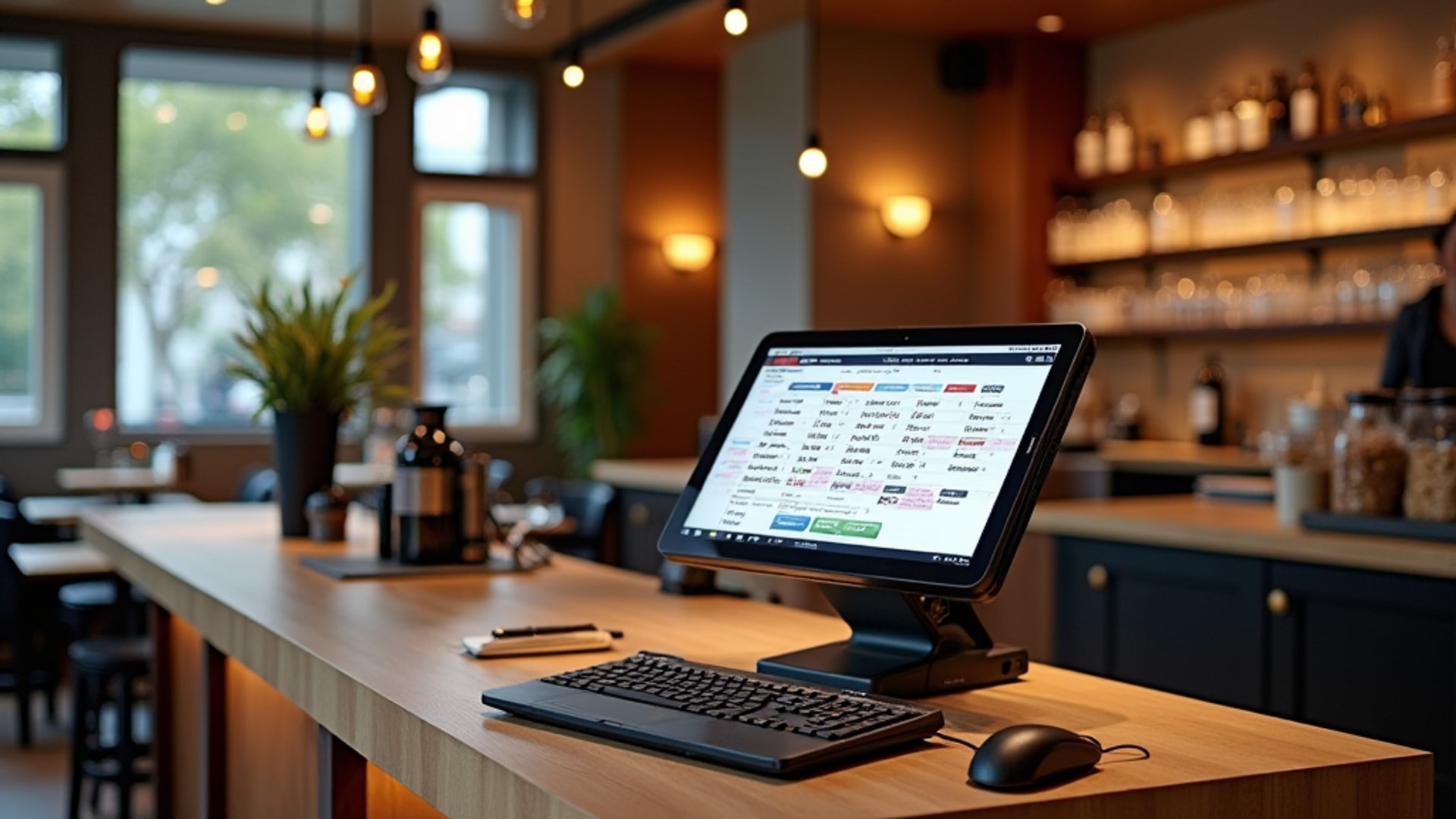
Your POS system is no longer just a cash register — it is the central nervous system of your restaurant, connecting orders, inventory, labor, and analytics in one platform.
The point-of-sale system used to be the thing you rang up checks on. That era is over. In 2026, your POS is the operational hub that connects front-of-house service, kitchen operations, inventory management, and business analytics into a single platform. According to Quantic POS, modern systems function as comprehensive command centers managing everything from tableside ordering to labor scheduling to real-time reporting.
The stakes of getting this decision right are high. According to the National Restaurant Association’s 2024 Technology Landscape Report, 76% of operators believe technology provides a competitive advantage, and 73% increased their technology investments in 2024 — the highest rate of digital adoption in the restaurant sector’s history. The global restaurant technology market reached $59.3 billion in 2024 and is projected to hit $314.85 billion by 2033, a compound annual growth rate of 16.39%.
Your POS sits at the center of that investment. Choose wrong, and you are stuck with a system that fights your workflow for years. Choose right, and it becomes the foundation everything else builds on.
The Major Platforms: Who They Serve
The POS market has consolidated around a handful of major players, each targeting a different segment. Understanding which one fits your operation starts with understanding your service model, volume, and growth trajectory.
Square
According to UpMenu’s 2025 comparison, Square is the top recommendation for small-to-medium restaurants, food trucks, and quick-service operations. It offers a clean interface, affordable plans, and a generous free tier that makes it accessible for startups and smaller operations. According to Restaurant Business Online, Square is increasingly competing across multiple service categories as it expands beyond its payment-processing roots.
Best for: New restaurants, food trucks, small QSR operations, and operators who need a low-cost entry point with room to grow.
Cost: Free tier available. Hardware starts low. Simple, predictable pricing.
Limitation: Fewer restaurant-specific features compared to purpose-built platforms like Toast. As one YouTube review from PaymentCloud notes, Square offers easy setup and simple pricing but may lack depth for full-service dining.
Toast
Toast is the current industry standard for full-service restaurants. According to UpMenu, software pricing starts at $69 per month, with hardware bundles beginning around $1,000. Toast provides deep restaurant-specific features including online ordering, loyalty programs, and detailed reporting.
According to YouTube reviews from Point of Sale USA, Toast operates on Android devices, runs on a secure cloud platform, and enables menu changes on the fly. Managers can view restaurant data from any mobile device. The built-in reporting highlights top-selling items and identifies cost-cutting opportunities. The free starter kit makes it accessible for small restaurants testing the platform.
Best for: Full-service restaurants that need robust reporting, online ordering integration, and purpose-built restaurant features.
Cost: $69/month software, hardware bundles from approximately $1,000.
Limitation: Higher monthly cost than Square. Hardware investment required upfront.
Lightspeed
According to UpMenu, Lightspeed targets multi-location restaurants with tools for managing complex operations across several sites. It is the top choice for larger setups requiring centralized control.
Best for: Multi-location operators who need centralized reporting, menu management, and inventory tracking across all sites from a single dashboard.
SkyTab
According to Quantic POS, SkyTab differentiates with free hardware and a flat $29.99 monthly fee covering terminals, handhelds, and kitchen display systems. This flat-rate pricing model is appealing for operators who want predictable costs without large upfront hardware investments.
Best for: Budget-conscious operators who want full-featured hardware without the upfront capital expense.
Clover
According to UpMenu, Clover offers flexible hardware options and advanced customization, making it suitable for restaurants of all sizes that need tailored configurations. According to YouTube reviews from PaymentCloud, Clover provides a plug-and-play station with an app marketplace, though adding features incrementally increases the monthly cost.
Best for: Operators who want modular hardware and the ability to customize through third-party apps.
Harbortouch
According to YouTube reviews from PaymentCloud, Harbortouch — recommended by Bar Rescue’s Jon Taffer — targets high-volume hospitality with the lowest total cost of ownership and fixed, predictable monthly pricing. This predictability is valuable for businesses where cash flow management is critical and where speed of service directly impacts revenue.
Best for: High-volume bars and restaurants where processing speed and cost predictability matter most.
TouchBistro
According to YouTube reviews from Point of Sale USA, TouchBistro is an iPad-based POS designed specifically for restaurants, offering tableside ordering and split-bill features. Its restaurant-first design means the interface is built around how servers actually work.
Best for: Full-service restaurants that want an iPad-based system with strong tableside ordering capabilities.
What Consumers Expect From Your POS
Your POS choice is not just an internal operations decision. It shapes the customer experience. According to the NRA’s 2024 Technology Landscape Report, consumer technology preferences vary significantly by service segment.
In full-service dining, a majority of customers would use table-mounted tablets for ordering and bill payment. In limited-service restaurants, 7 in 10 customers say they would order via smartphone app. Among delivery customers, 8 in 10 express willingness to use smartphone apps for ordering. And across all segments, 7 in 10 adults actively seek promotional deals when ordering takeout, delivery, or dining in.
According to Quantic POS, self-checkout kiosks are preferred by 61% of consumers for accuracy, convenience, and speed. According to BentoBox, 80% of consumers prefer restaurants offering technology-enhanced experiences.
These numbers tell you something important: your customers are not just willing to interact with technology — many of them prefer it. A POS that only handles the cash register function is leaving guest satisfaction and revenue on the table.
The Features That Actually Matter
With dozens of features listed on every vendor’s website, it is easy to lose focus. Here are the capabilities that directly affect your daily operations and bottom line, drawn from Quantic POS’s analysis of 44 essential POS features for 2026.
Order Management
Tableside ordering, online order integration, delivery platform connections, and kitchen display system (KDS) synchronization. Every order from every channel should flow through one system. According to BentoBox, digital systems can reduce order errors by up to 30% and streamline front-to-back-of-house communication.
Payment Processing
Contactless payments, mobile wallets, split checks, tip management. According to Quantic POS, tap-to-pay and mobile wallet solutions are now standard across the industry. Your system must handle them seamlessly.
Inventory Tracking
Ingredient-level monitoring, automatic purchase order generation, waste tracking. According to the NRA, 52% of operators plan to increase investment in inventory control and management systems. The restaurant inventory management software segment alone is expected to grow from $3.95 billion to $9.17 billion by 2030.
Labor Management
Scheduling, time tracking, station assignments, tip distribution, and performance metrics. According to Quantic POS, employee tracking features record clock-in and clock-out times, station assignments, and individual performance data that helps you identify your strongest team members and your training gaps.
Reporting and Analytics
Real-time sales dashboards, daily summary reports, food cost analysis, and labor cost tracking. According to YouTube reviews from Point of Sale USA, a good POS should deliver daily summary emails highlighting top-selling items, spotting cost-cutting opportunities, and tracking performance trends without requiring you to dig through spreadsheets.
Integration Capabilities
Accounting software, reservation systems, third-party delivery platforms, loyalty programs, and customer relationship management. According to FoodHub, the dominant trend is convergence — individual point solutions being replaced by integrated platforms where EPOS, online ordering, delivery, inventory, loyalty, and analytics live in one ecosystem.
Cloud-Based Is the Standard
If you are still evaluating on-premise versus cloud-based POS, the industry has already decided. According to FoodHub, cloud-based POS systems enable real-time sales access off-site, live menu updates across multiple locations, centralized multi-branch control, and reduced maintenance needs.
According to Quantic POS, cloud architecture enables multi-location management from any device, automatic software updates, and real-time data synchronization across all terminals. This also facilitates seamless integration with third-party delivery platforms, accounting software, and CRM tools.
The YouTube extract on operations management from DinnerBooking reinforces this: cloud-based tools allow owners to monitor operations from anywhere — at the restaurant, at home, or on vacation. That accessibility is not a luxury. It is how you catch problems before they compound.
The cost difference is dramatic. According to the topic synthesis on POS systems, legacy on-premise systems cost $50,000 to $60,000 with five-to-seven-year refresh cycles. Cloud-based platforms start at $0 per month for basic tiers and scale from there.
AI Is Transforming POS Capabilities
The next wave of POS evolution is artificial intelligence, and it is not theoretical — it is already in production. According to Barmetrix, 73% of restaurant operators plan to invest in AI solutions, with voice ordering and predictive analytics leading adoption.
Voice AI Ordering
According to both Quantic POS and Barmetrix, voice AI now handles food orders with 97% accuracy and 35% faster processing than traditional methods. This is particularly impactful in drive-through and phone ordering contexts, where systems can process complex orders including modifications, substitutions, and special requests while consistently upselling.
Predictive Analytics
According to Barmetrix, restaurants using analytics platforms report 15% lower food costs and 22% improved forecast accuracy. Predictive models incorporate historical sales data, weather patterns, local events, and seasonal trends to generate automated purchasing recommendations, staffing schedules, and prep lists.
Self-Service Kiosks
According to Quantic POS, self-checkout kiosks are preferred by 61% of consumers for their accuracy, convenience, and speed. For quick-service operations, kiosks reduce labor requirements for order-taking while maintaining consistent upselling performance.
How to Evaluate: A Practical Framework
According to both the NRA and UpMenu, the selection process should be driven by your specific operation, not by feature lists. Here is a practical evaluation framework.
Step 1: Define Your Service Model
Full-service restaurants need tableside ordering, course management, and split-bill capabilities. Quick-service operations need speed of transaction and kitchen display integration. Delivery-heavy operations need seamless third-party platform integration. According to the YouTube extract on POS systems, the features you prioritize should align with your service model.
Step 2: Assess Integration Requirements
What accounting software do you use? What reservation platform? What delivery services? According to FoodHub, the convergence trend means your POS should connect to everything else in your stack. Check integration compatibility before committing.
Step 3: Calculate Total Cost of Ownership
Do not just compare monthly subscription fees. Factor in hardware costs, payment processing rates, add-on module fees, and the cost of switching if the platform does not work out. According to Quantic POS, SkyTab’s free hardware offer looks different when you factor in processing rates compared to Toast’s higher hardware cost but potentially lower per-transaction fees.
Step 4: Test With Your Team
According to UpMenu, ease of use and staff training time are critical selection criteria. A powerful system that your team cannot learn quickly will cost you more in mistakes and training hours than a simpler system that everyone masters in a day.
Step 5: Plan for Growth
According to UpMenu, scalability — whether the system can grow with your business — is a top evaluation criterion. If you plan to add locations, catering, or delivery, your POS needs to support those expansions without requiring a full platform switch.
The Consolidation Factor
The POS market is not standing still. According to Restaurant Business Online, the 2025 technology landscape is defined by aggressive consolidation. DoorDash acquired SevenRooms (reservations) and Symbiosys (ad-tech). Wonder acquired Grubhub and Sweetgreen’s robot technology. Olo went private for $2 billion. Resy and Tock are merging under the Resy brand.
The implication for POS selection: delivery platforms are becoming technology companies that compete across reservations, POS, and advertising. DoorDash now competes directly with Toast, Square, and Uber across multiple service categories, while Toast has deepened its Uber integration in response.
This means your POS vendor’s competitive position matters. A platform that is well-positioned in this consolidating market is more likely to keep investing in features and integrations. A platform that is getting squeezed may stagnate or get acquired.
Common Mistakes to Avoid
Choosing on price alone. The cheapest POS is not the cheapest if it cannot integrate with your other systems, forcing you to manually reconcile data across platforms.
Ignoring payment processing rates. A lower monthly fee paired with higher per-transaction processing rates can cost more over time than a higher monthly fee with lower rates, especially for high-volume operations.
Underestimating switching costs. Moving from one POS to another means retraining staff, migrating data, and potential downtime. Get the decision right the first time.
Overbuying features. According to the NRA, most operators view their technology as mainstream rather than leading-edge, reflecting a balanced strategy. You do not need every cutting-edge feature. You need the features that match your operation and your customers.
Neglecting training. Even the best POS fails if your team does not know how to use it. According to Restaurant Business Online, digital training tools — including streaming video content on POS systems — accelerate staff development and are particularly effective for younger employees accustomed to online learning formats. Budget time and resources for training during any POS transition.
Forgetting about offline functionality. Internet outages happen. According to BentoBox, essential POS features include offline functionality so your restaurant can continue processing orders and payments during connectivity issues. A system that goes completely dark when your internet drops can cost you an entire service.
POS Evaluation Checklist
Before signing a contract, run through this checklist.
- Does the system match your service model (QSR, full-service, multi-location)?
- Can your team learn it within one to two training sessions?
- Does it integrate with your accounting software?
- Does it connect to your preferred delivery platforms?
- Does it support your reservation and table management system?
- Does it include or integrate with a kitchen display system?
- What are the total monthly costs including software, hardware amortization, and processing fees?
- Does it work offline during internet outages?
- Can it scale if you add locations, catering, or new revenue channels?
- What is the contract length and what are the switching costs?
- Does it provide real-time reporting accessible from mobile devices?
- Does the vendor have a clear product roadmap and competitive position?
The Bottom Line
Your POS system is the foundation of your technology stack. According to the NRA, the right approach is to match technology investments to the customer base you serve rather than pursuing cutting-edge solutions universally. A food truck needs different capabilities than a 200-seat full-service restaurant, and both need different features than a multi-location fast-casual chain.
Start with your service model. Evaluate total cost of ownership. Test with your actual team. And plan for a market that is consolidating rapidly — the platform you choose today should still be competitive and well-supported three to five years from now.
According to Quantic POS, 46% of operators plan to increase their technology budgets in the coming year. The operators who invest wisely in POS infrastructure will have the data, the efficiency, and the integrations to compete. The ones who treat it as an afterthought will be managing their restaurants with one hand tied behind their back.
→ Read more: Building Your Restaurant Technology Stack: POS, KDS, Reservations, and Everything In Between → Read more: Kitchen Technology: KDS, IoT Monitoring, and Smart Energy Systems → Read more: Restaurant Automation and AI: What Actually Works and What to Skip